Payment Operations Admin
Payment settings, gateway lifecycle, scheduler toggles, token readiness, and settlement operations
Payment Operations App
Use the Payment Operations app for AR, payment orders, payment attempts, invoices, transactions, receipts, customer context, gateways, disputes, processor events, settlement batches, and payment reporting:
https://exodus--vesper.sandbox.lightning.force.com/lightning/app/Payment_Operations
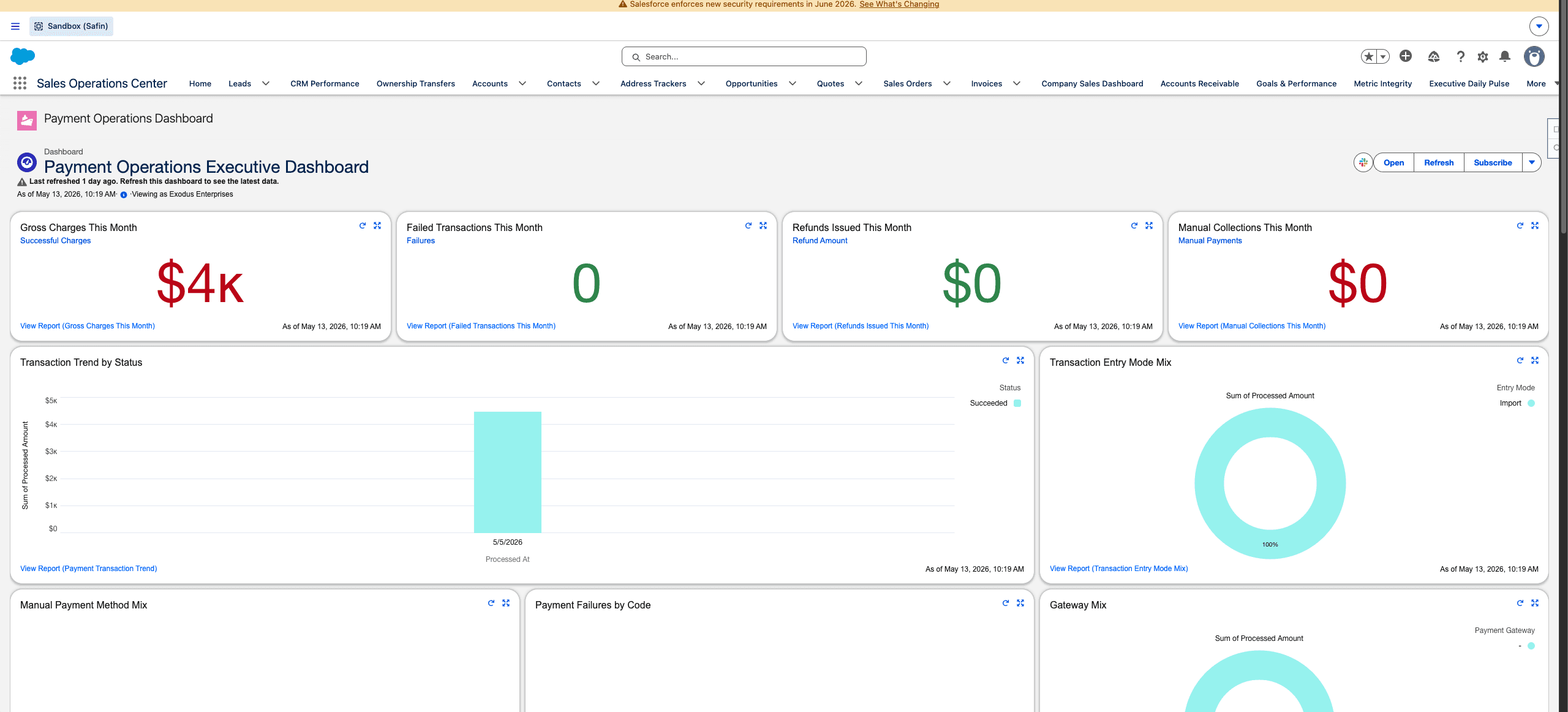
Safin dev sandbox Payment Operations dashboard, captured from the browser content area without Chrome tabs or desktop chrome.
Runtime Settings
Payment Operations Settings is the runtime gate for recurring payments, automated collections, account updater, and settlement sync. Scheduler classes may exist in the org while automation toggles remain disabled. Treat code presence and live automation as separate facts.
Gateway Connections
Payment Gateway Connections is the admin surface for gateway status and replacement. Gateway changes are not simple credential edits when historical payment methods, tokens, transactions, routes, and quote readiness depend on the old gateway.
Use successor-backed lifecycle changes:
| Gateway state | Meaning |
|---|---|
| Active | Eligible for new routing and token readiness. |
| Deprecated | Existing-token execution may continue while new routing moves away. |
| Removed | No longer used for execution after migration/repair is complete. |
Token Readiness
The payment flow surfaces route-level readiness messages. Admins should investigate and resolve:
| State | Admin action |
|---|---|
| Retokenization required | Move customer/payment route to a successor-backed token plan. |
| New payment method required | Ask for a new saved method through the supported action. |
| Gateway unavailable | Fix gateway status/configuration before collecting. |
| Ready | Saved method and gateway route can be used. |
Schedulers
Payment scheduler classes include recurring payment execution, automated collection, account updater, settlement sync, and gateway health monitoring. If schedules are reinstalled, verify CronTrigger state and confirm settings toggles did not silently enable customer-facing automation.
Last updated on